Prioritize When Everything Feels Important
Use importance and urgency to decide what needs attention now, what deserves protected time, and what can be reduced or removed.
In brief Use the two dimensions of importance and urgency — combined with deadlines, consequences, and responsibility boundaries — to determine what actually needs your attention today.
The Opening Question: Ten "Must Do Today" Items — Which One Starts First?
Nine a.m.: a client chasing a reply, next week's presentation, a health checkup to book, a system alert, a colleague asking for help, a long-term course, and dozens of unread messages — all at once. Under pressure, the brain defaults to whatever is loudest and easiest to finish: replying to messages, clearing notifications, fixing formatting. By evening you've been busy all day, and the work that actually affects your projects and your health hasn't moved.
The Eisenhower Matrix gives you two axes of judgment: Is this important? Is this urgent? It can't rank your tasks automatically — but it forces you to explain "why now."
What Is the Eisenhower Matrix?
The matrix sorts tasks into four types:
- Important and urgent: do it now. Crises already underway; tasks due today with significant consequences.
- Important but not urgent: schedule it. Skill building, relationships, health, risk prevention, long-term projects.
- Urgent but not important: delegate, limit, or batch. Items needing fast response that don't require you personally or don't support your core goals.
- Neither important nor urgent: delete or reduce frequency. Repetitive checking with no clear payoff, habitual meetings, low-value drains.
"Important" means it significantly affects your goals, responsibilities, values, or risks. "Urgent" means the cost rises sharply after a certain point in time. Importance is a judgment about direction; urgency is a judgment about time consequences. Both need evidence — not just the anxiety level a task produces.
Where It Comes From: A 1954 Speech and Covey's Matrix
In 1954, Dwight D. Eisenhower quoted a university president's remark about "urgent problems and important problems" in a speech, using it to illustrate the tension between the two. The familiar 2x2 grid was not a fixed task chart Eisenhower himself left behind.
Stephen R. Covey systematically developed the time-management matrix of importance versus urgency in The 7 Habits of Highly Effective People (1989), emphasizing proactive investment in "important but not urgent" activities. The tool later became widely known as the Eisenhower Matrix. Knowing this history helps avoid a common trap: the point of the matrix is not labeling tasks — it's shifting your time from reactive response toward what matters long term.
A Concrete Case: A Product Lead Five Days Before Launch
In this illustrative case, five days before the release, Jie listed eight tasks. He first defined "important": affects user data, launch success, or this quarter's core goal. For this launch only, he defined "urgent" as a delay of more than 24 hours causing concrete damage. That threshold belongs to the case, not to the Eisenhower Matrix itself.
- Data migration test failing: important and urgent — organize a root-cause session now and decide whether to delay.
- Completing the rollback drill: important but not yet urgent — lock in two hours today, before it becomes tomorrow's crisis.
- A partner chasing the already-approved logo: urgent but not important — hand it to a designer to send from the template.
- Recoloring the internal weekly report: neither — deleted from launch week.
- User onboarding copy review: important but not urgent — scheduled for tomorrow afternoon with customer support.
After classifying, he handled quadrant one first — but immediately protected quadrant two on his calendar. Otherwise "important but not urgent" keeps getting squeezed out until it turns into the next emergency.
The Method: Define First, Classify Second, Protect Time Third
- List real tasks. Use verbs and completion criteria — "confirm three contract changes by Wednesday 4 p.m.," not just "contract."
- Define importance. Which goal or responsibility does it support? What long-term consequence follows from not doing it? Must it be owned by me?
- Define urgency. What's the true deadline? What's the concrete cost of one day's delay? Who set the deadline?
- Handle quadrant one first. With multiple items, order by size of loss, dependencies, and reversibility.
- Book calendar time for quadrant two. Put it on the calendar — not on a "when I have time" list.
- Govern quadrant three. When delegating, specify the deliverable, deadline, and checkpoint; batch what can't be delegated.
- Delete quadrant four. Review low-value work and remove it when you have enough evidence that it is unnecessary.
- Review the sources weekly. If quadrant one keeps swelling, check whether quadrant two has been starved.
How to Run It in TheGreatMe
In TheGreatMe, use your yearly and weekly goals as context for deciding what is important. Then choose one critical mainline quest for the day and protect time for important work before new requests take over. The matrix still requires your judgment; the app only keeps the chosen priority visible.
View TheGreatMe on the App Store
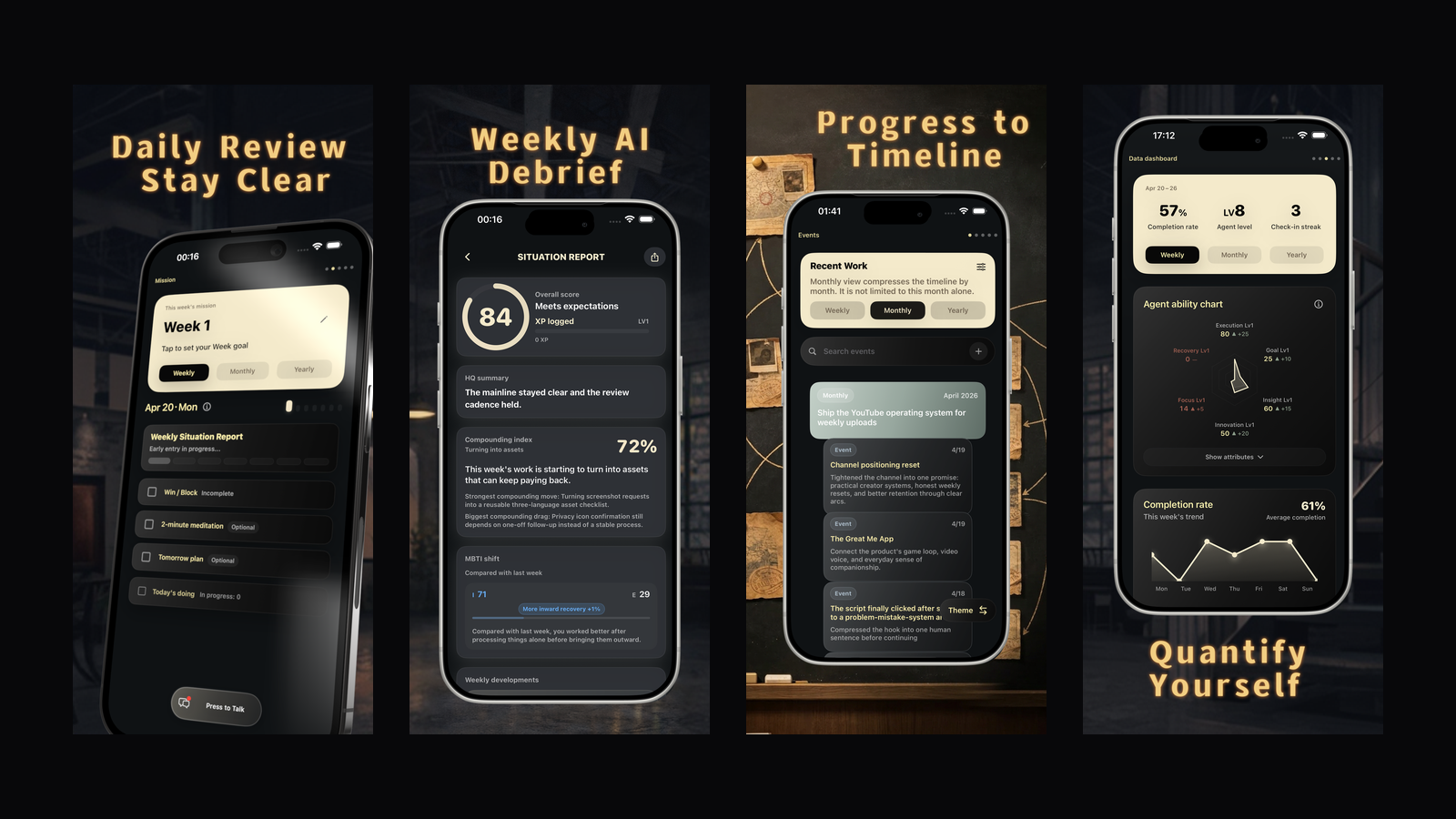
Illustrative English product screens. Values shown are sample app content, not research findings.
Common Mistakes
Watch for this — Treating other people's panic as your urgency First confirm the responsibility, the deadline, and the actual cost of delay.
Watch for this — Believing important work must be done personally Importance and executor are separate questions. Some work can be delegated — with checkpoints.
Watch for this — Letting quadrant one always outrank everything Handle the crisis, but protect quadrant two at the same time — or the crisis repeats.
Watch for this — Labeling enjoyable things unimportant Recovery, relationships, and health may directly support long-term goals. Importance isn't measured by output alone.
Watch for this — Re-sorting the quadrants all day long This article suggests checking at a small number of planned moments. Constant reorganizing can become its own low-value activity.
Start Today
Start here — Check one box and you've started
- [ ] Write down all of today's tasks with their true deadlines.
- [ ] Write your own three criteria for "important."
- [ ] Mark the items where delay past their real deadline causes concrete loss.
- [ ] Choose one single mainline task.
- [ ] Book calendar time for one important-but-not-urgent task.
- [ ] Delegate, batch, or delete at least one low-value task.
FAQ
What are the four quadrants of the Eisenhower Matrix?
Important and urgent; important but not urgent; urgent but not important; neither important nor urgent — typically handled by doing now, scheduling, delegating or limiting, and deleting or reducing frequency.
How do you tell important from urgent?
Importance is about impact on goals, responsibilities, values, and long-term risk. Urgency is about whether delay past a specific time causes significant loss. Anxiety levels and notification sounds are not reliable indicators of either.
What if important-but-not-urgent work keeps getting postponed?
Break it into actions with completion evidence and book specific times. Left on a to-do list, it will keep getting displaced by newly arriving urgent items.
Must urgent-but-not-important tasks be delegated?
Not necessarily. You can also batch them, automate them, renegotiate the deadline, or lower your response frequency. Before delegating, confirm the responsibility boundary and acceptance criteria.
Did Eisenhower really invent the four quadrants?
There's no reliable evidence that the familiar 2x2 chart was drawn by him. His public remarks on urgent versus important supplied the idea; Covey and later authors systematized and popularized the time-management matrix.
References
- Dwight D. Eisenhower Presidential Library, "Quotes"
- Dwight D. Eisenhower, "Address at the Second Assembly of the World Council of Churches," August 19, 1954, The American Presidency Project
- Stephen R. Covey, The 7 Habits of Highly Effective People, Free Press, 1989.